

Jelly Busters Walkthrough – All Levels
Clear the picture. Keep the colors flowing.
Independent fan-made guides. Not affiliated with the game developer.
Browse levels
Game screenshots
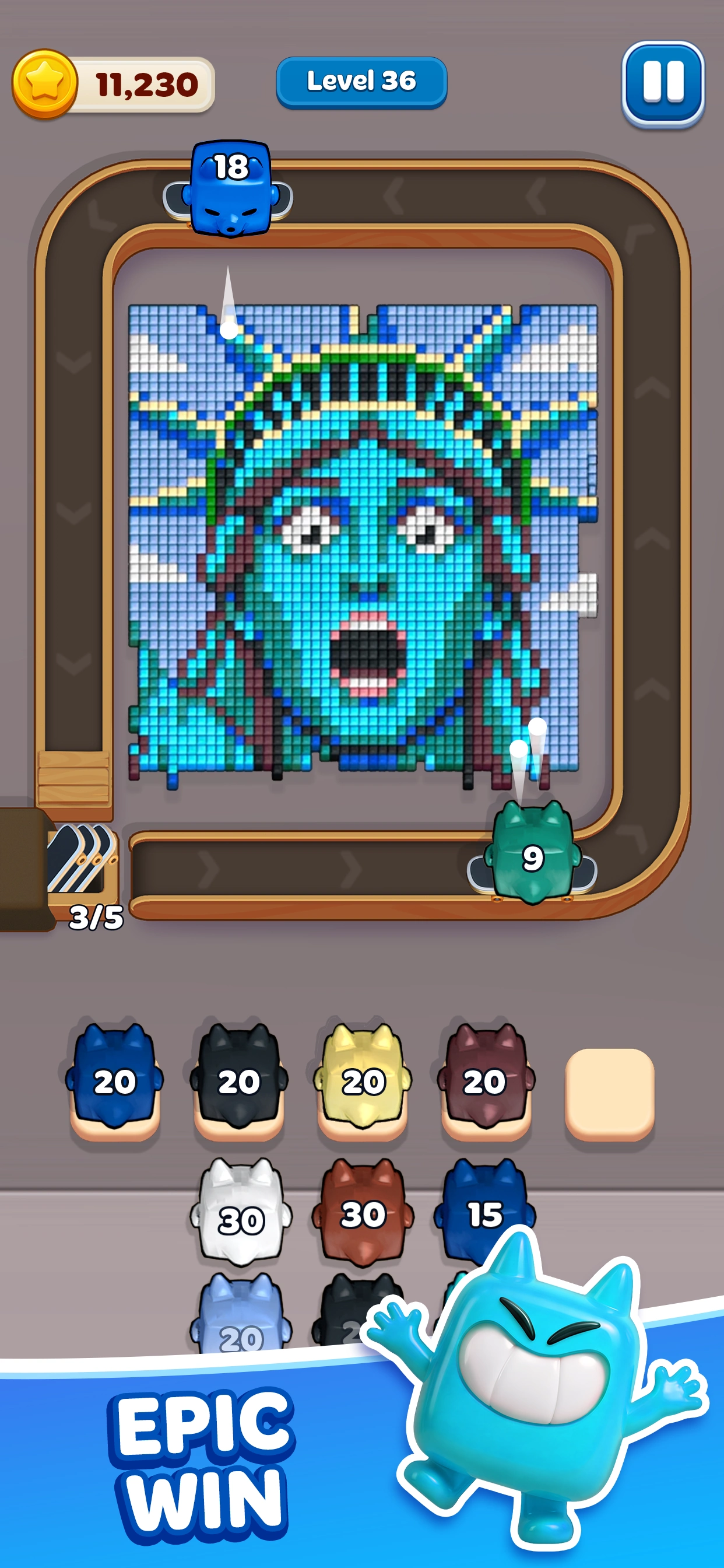
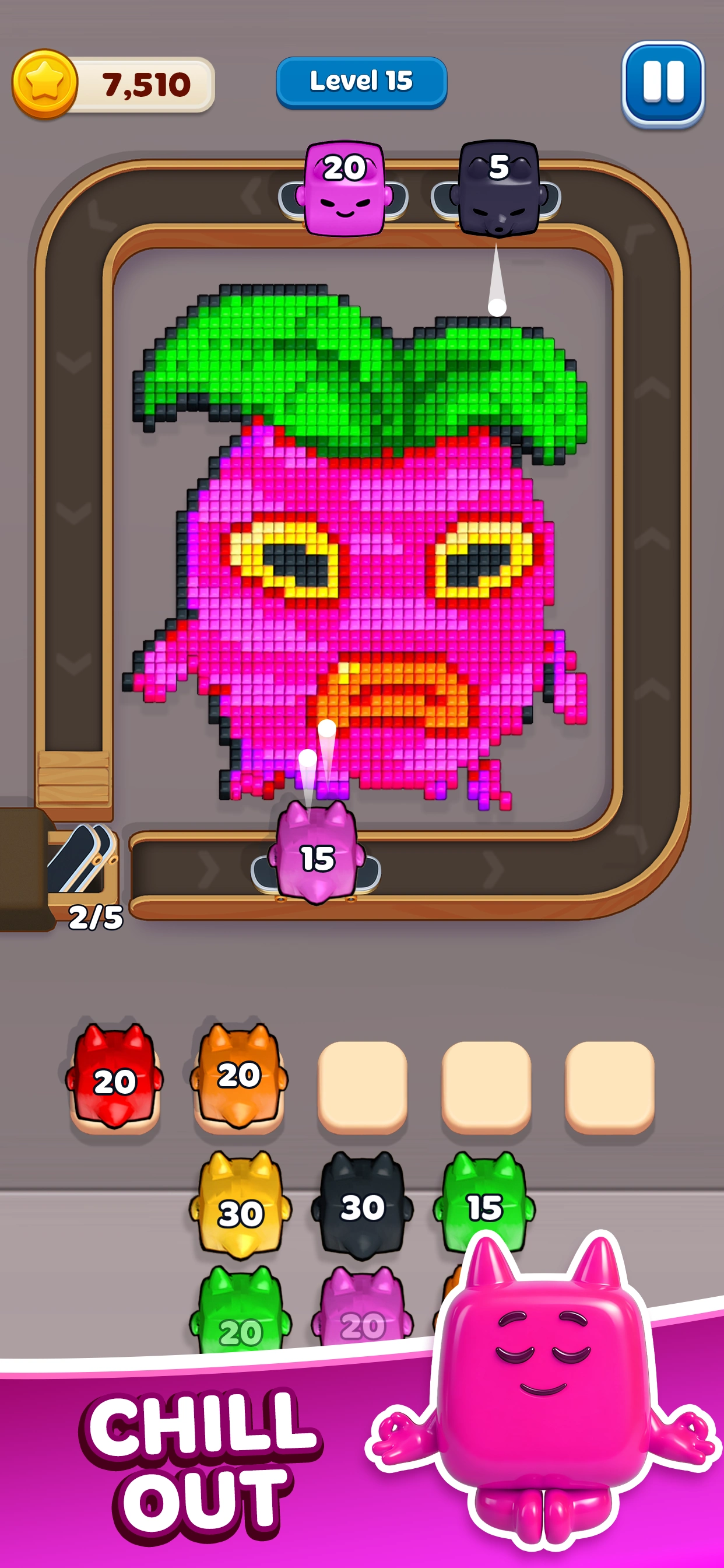
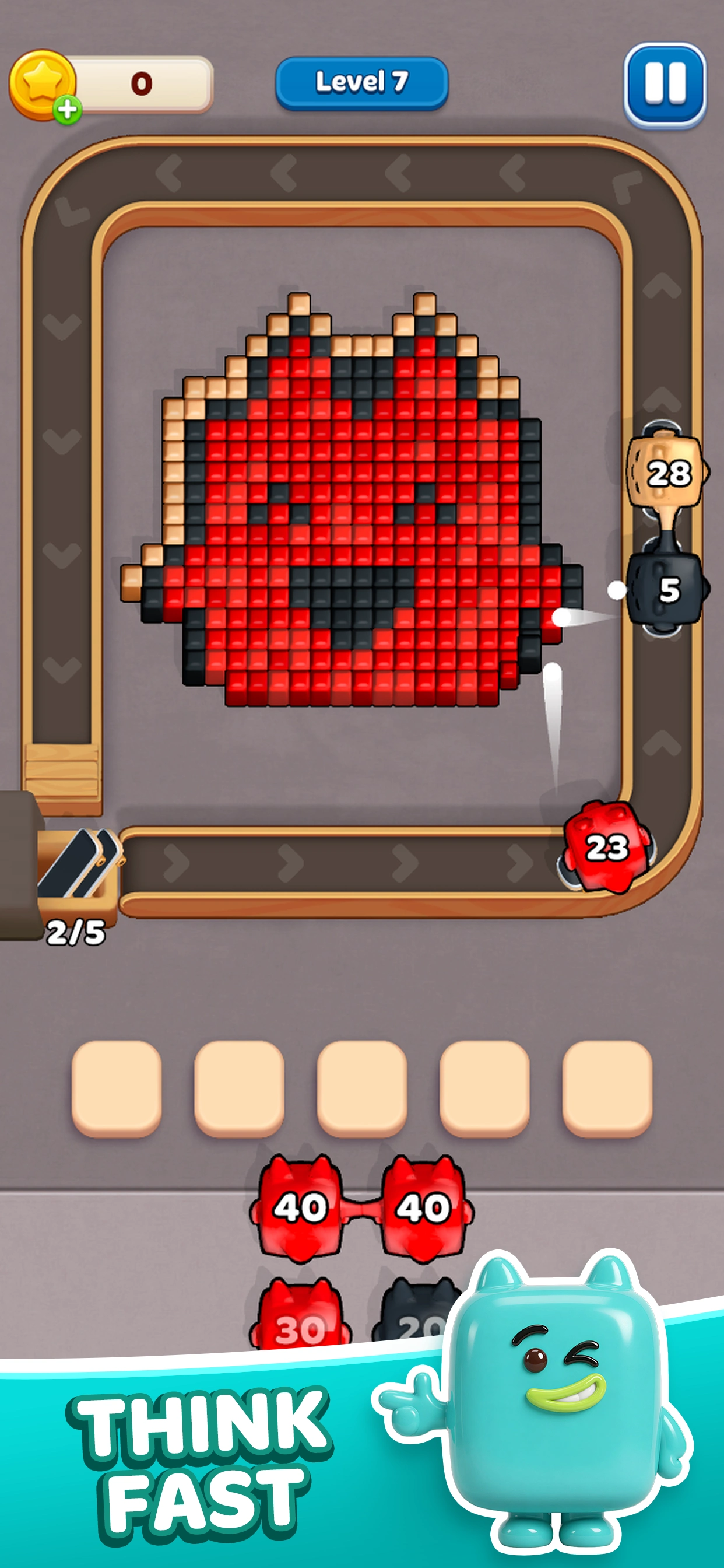
About the game
Jelly Busters: Puzzle Game is a color-routing puzzle by Moon Active for Android and iOS. Launch numbered Jellies around the rail to remove matching cubes and clear each pixel picture. Returning pieces with shots left use the five waiting spaces below the track. The App Store records its iOS release date as January 26, 2026.
Choose a color that can reach the outside edge, then reuse it as another Jelly opens the next layer. The picture, queue and waiting row together tell you which launch can make progress.
Open one of 395 numbered walkthroughs to compare your board with the video and follow the written route. The five-language menu keeps the same level open.
- Publisher
- Moon Active
- Platform
- Android, iOS
- Guide coverage
- 395 levels
- Last updated
- Game store
- Google Play

App Store
Jelly Busters is a color-routing puzzle: send numbered Jellies around the track to remove matching cubes, keep room for returning pieces, and clear the whole picture. The important decision is usually which color can reach an exposed tile now. Opening every available color at once can fill the waiting spaces before the useful Jelly gets another turn.
A picture is also a map
Look at the outside edge before looking at the subject of the picture. A strawberry, airplane or face may contain several colors, but a large interior patch cannot help a Jelly while a different color still covers its edge. Trace a possible line from the rail to the nearest matching cubes. Clearing that border changes which pieces have useful targets on the next circuit.
The picture gives you landmarks for remembering a route. Think of the yellow rim of a cannon, the turquoise background behind it, or the black outline around a character, rather than trying to memorize an entire screen of tiny squares. When a guide describes an opening, compare those landmarks with your own board before tapping. A matching level number alone is less useful than a matching picture and queue.
Read the number on the Jelly
The number printed on a Jelly shows its remaining shots. A piece with a large number can survive a lap because it has not found enough matching cubes. Its return does not necessarily mean the move was wrong: another color may have to uncover the next target first. Keep track of that returning piece instead of repeatedly adding a second Jelly of the same color.
Separate three things in your mind: pieces still waiting in the lower queue, pieces currently circling the picture, and pieces parked in the five waiting spaces. The queue determines what can be selected next. The rail shows what is currently working. The parked pieces tell you which earlier decisions still require a target. Reading all three prevents an apparently busy board from becoming an unsolvable traffic jam.
Make the waiting spaces work for you
Empty spaces are useful resources. Before introducing another color, ask where it will go if it finishes a lap with shots left. A piece that can remove several exposed cubes is usually a better immediate choice than one whose matching area is completely buried. Avoid using the final free space merely to reveal another item in the queue without a plan for the returning Jelly.
You can often recover momentum by relaunching a parked color as soon as a new matching edge becomes exposed. This is especially useful when the picture has a broad background around a small central object. First open the border, then reuse the background color, and only then add the colors needed for the object itself. The exact order depends on the layout shown in each walkthrough.
Follow a route in small checkpoints
Watch the opening of the video, pause, and reproduce the same change on your screen. The next useful checkpoint is the state of the picture and waiting spaces, rather than an exact number of seconds. Playback speed, animations and your taps can differ while the route remains sound. If your board diverges, stop adding colors and find the first different border or parked piece.
For a long level, remember the opening, the point at which the large background disappears, and the final few colors. These checkpoints are easier to use than a long list of taps. The written steps beside each video explain the shape and color transitions so you can decide where to resume without replaying the whole solution after every mistake.
Difficulty, boosters and spending
A harder board can require a more careful release order, tighter reuse of waiting pieces, or attention to a small color that blocks a much larger region. Do not assume that a later number always means a new rule. Start by checking whether an ordinary color on the outer edge is preventing your strongest Jelly from doing useful work.
Before spending a booster, identify the actual obstruction. A tool that removes part of the picture is useful only if that change creates a target or frees the route you need. Read its in-game description and cost before confirming. A walkthrough is free to read, and a frustrating attempt is not a reason to buy a pack before understanding where the run became blocked.
When your screen differs
Updates and changes between attempts can affect what you see. Compare the whole picture, the exposed colors and the front of the queue with the video. If they differ, use the guide for its routing principle and look for the matching arrangement before copying exact taps. Starting bonuses can also change which cubes remain available to a particular Jelly.
If the app will not load, close it normally and reopen it, check your connection, and look for an update in the store where you installed it. Preserve your player details before reinstalling or clearing app data. Problems with purchases, saved progress or an unavailable account belong with the game's support team; the contact link here is for mistakes in these guides.
Find the level you need
Use the number box to open a published walkthrough, or browse a range of fifty levels. Each level page contains an attributed YouTube video, a direct opening answer, ordered steps, tips and questions about that particular picture. The language menu keeps you on the same level when another translation is available, so you can compare the explanation without losing your place.
Jelly Busters: Puzzle Game is developed by Moon Active and is available for Android and iOS. This is an independent fan guide. The number of walkthroughs listed here describes this site's coverage; it does not represent the game's total number of levels. Install the game through its store listing and keep the guide open separately when you need help with an unfamiliar board.
Frequently asked questions
What is Jelly Busters?
Jelly Busters: Puzzle Game is a mobile color puzzle by Moon Active. You launch numbered Jellies around a picture and remove matching cubes as they become accessible. Choose colors in a useful order and preserve room for returning pieces. This website contains guides; the playable game is a separate mobile app.
How do I beat a Jelly Busters level?
Clear the colors exposed along the outside of the picture, then use the newly opened edges to work inward. Reuse parked Jellies with shots remaining before introducing unnecessary new colors. Compare the starting picture and queue with the level's video, and follow its opening rather than releasing every visible piece.
What do the numbers on the Jellies mean?
The visible number is the Jelly's remaining shots. It decreases as the piece removes matching cubes. A Jelly may finish a circuit with shots left if its next target is covered. Keep track of that piece and reuse it when another color exposes a useful region of the picture.
Why does a Jelly come back without clearing its color?
Some cubes of that color may still be behind a different border or interior patch. Inspect the edge from every side and identify what covers the next matching target. Clear that obstruction with the appropriate color, then relaunch the parked Jelly instead of adding another copy of a color that cannot yet work.
How do I avoid filling all five waiting spaces?
Before introducing a color, decide what it can remove now and what you will do if it returns with shots left. Reuse parked pieces as soon as matching cubes become exposed. Protect the final free space unless the next launch opens an essential target or another piece is close to finishing.
Should I always launch the Jelly with the highest number?
No. Remaining capacity is useful only when matching cubes are accessible. A small-count Jelly can remove a narrow strip that opens a large region, while a high-count piece may return almost unchanged if its color is buried. Choose the move that improves the current edge and the next useful launch.
Why does my level look different from the video?
Compare the picture, exposed colors and queue before copying the route. Updates, starting bonuses or changes between attempts can alter the arrangement. If those features differ, the exact taps may not apply. Look for a matching layout and use the guide's color-access logic rather than assuming that the number guarantees an identical board.
How should I use a booster?
Read the tool's current in-game description and identify the exact obstruction you want it to remove. Check whether the effect will expose a needed color or resolve a crowded waiting row. Review the cost before confirming. A better opening or a timely reuse of a parked piece may solve the problem without spending.